
Every web designer and agency eventually runs into the same problem: the work is fine, but the pipeline is inconsistent. Projects wrap up, referrals dry up, and suddenly there is a gap with no clear next client in sight. The instinct is often to post on social media or update a portfolio — but the most reliable path to new web design clients is usually much more direct: local business prospecting.
Local businesses are the single largest underserved market for web design. Restaurants, law offices, contractors, med spas, dental practices, and hundreds of other categories operate in every city with websites that are years out of date, broken on mobile, or missing basic conversion elements. These are not hard problems to solve. But finding the right businesses at the right moment — before a competitor gets there first — requires a system, not just guesswork.
This guide walks through how to find web design clients using local prospecting: where to look, what signals to use, how to qualify leads quickly, and how to build a weekly routine you can actually sustain alongside client work.
Why Local Businesses Are the Best Starting Point
Chasing large enterprise contracts or trying to win work through crowded freelance platforms is exhausting and usually low-margin. Local businesses are different. Decision-makers are accessible, budgets are real, and the need is often obvious from the outside — you can look at a business's website before you ever send a message and know exactly what the problem is.
That visibility matters. It means your outreach can be specific and credible from the first sentence. Instead of saying "I build websites," you can say "Your site doesn't load properly on mobile, and your contact form appears to be broken." That kind of specificity changes the conversion rate on cold outreach dramatically.
Local markets also tend to have less competition than you might expect. Most web designers are not running structured prospecting campaigns — they wait for referrals. That gives anyone willing to do systematic outreach a real edge.
What to Look For in a Web Design Lead
Not every local business is worth reaching out to. The best web design leads share a few common traits: they have a real problem, a visible need, and enough revenue to afford a solution. Here are the signals worth scanning for before you write a single email.
Website Quality Issues
An outdated design, slow load times, broken mobile layout, missing SSL certificate, or a confusing navigation structure are all visible problems you can identify before contact. Each one is a conversation starter and a proof point that you already know what you are talking about.
Missing Conversion Elements
No clear call to action, no contact form, no phone number above the fold, or a booking flow that requires too many steps — these gaps cost businesses real money. For a web designer, they are easy wins and easy to frame as ROI improvements rather than aesthetic upgrades.
Outdated or Thin Content
A site with last year's hours, services listed without descriptions, or stock photos that do not match the business signals that the site has been neglected. This is often a sign that the business owner knows the site needs work but has not had the time or the right pitch to act on it.
Business Category and Size
Focus on categories where website quality has a direct impact on revenue: home services, health and wellness, legal, financial, restaurants, real estate, and specialty retail. These businesses get customers through local search and rely on their site to convert that traffic. A bad site costs them real revenue — which makes the value of your work much easier to explain.
| Signal | What It Tells You | How to Use It |
|---|---|---|
| Mobile layout broken | Site was built pre-2018 or never maintained | Lead with the mobile issue in your outreach |
| No contact form or CTA | Losing conversions daily | Frame as a revenue problem, not a design problem |
| Slow load speed | Hurting both UX and local SEO rankings | Mention the SEO impact alongside UX |
| No SSL / HTTP only | Browser warnings scare away visitors | Easy quick win to mention upfront |
| Outdated design style | Undermines trust with new visitors | Use competitor comparisons in your pitch |
Where to Find Web Design Leads
The best local business leads are not on freelance platforms — they are sitting in Google Maps results, Yelp listings, and local business directories, waiting to be found. Here are the most reliable sources.
Google Maps Search
Search for any business category in any city — "plumbers in Austin," "dentists in Phoenix," "restaurants in Nashville" — and you get a ready-made list of local businesses with their websites linked. Work through the results, visit each site, and flag the ones with obvious problems. It is slow when done manually, but it is reliable.
AI Prospecting Tools
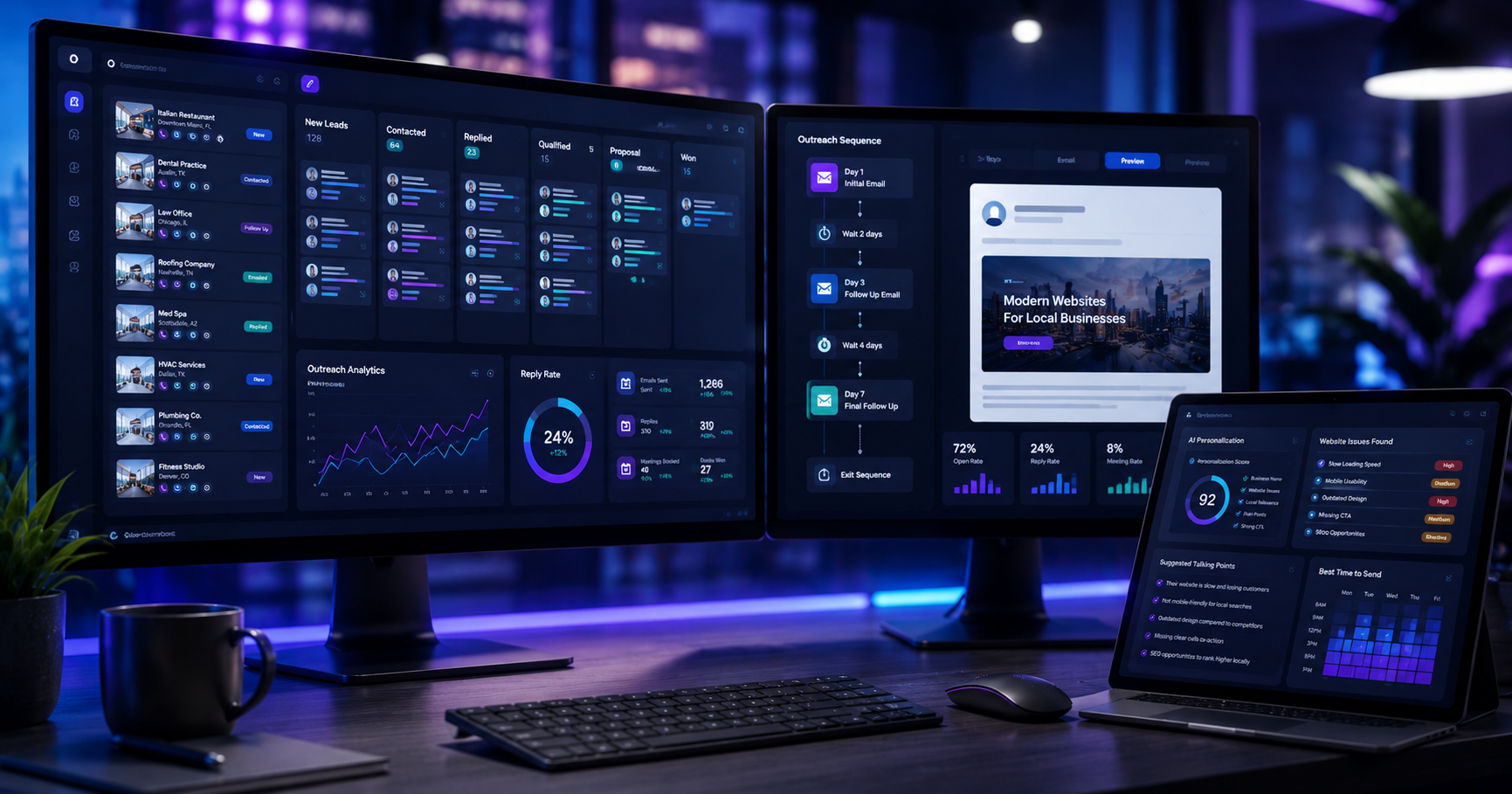
Tools like Sponge automate the research step. Instead of visiting each site one by one, you search for a business type and location, and the tool analyzes each website for design quality, mobile performance, missing contact elements, and opportunity score. The result is a prioritized list of leads sorted by how much room for improvement each site has — which is a much faster starting point than doing it by hand.
Local Business Directories
Chambers of commerce, BNI chapters, industry associations, and local business directories often list businesses by category with contact details. These lists can be a good supplement to Google Maps, especially for industries that are less active online.
Referral Network
Accountants, bookkeepers, business coaches, and marketing consultants often work with local businesses that need websites. One referral partnership with a well-connected bookkeeper can be worth more than months of cold outreach. Build these relationships as a parallel channel, not a replacement for prospecting.
How to Qualify a Web Design Lead Before You Pitch
Reaching out to every business with a bad website is a waste of time. A quick qualification pass before sending any message saves hours each week. The goal is to answer three questions fast: Does this business have revenue? Does the owner care about their online presence? Is the problem fixable at a price they can afford?
Revenue signals include review volume, listing completeness, and whether the business appears in paid ad results — a business spending money on Google ads almost certainly has budget for a better website. Care signals include whether they have attempted a custom domain and email, added any photos to their listing, or responded to reviews. Problem scope tells you whether this is a simple refresh or a full rebuild — which affects your pitch and your pricing.
A lead that checks all three boxes is worth a personalized email. A lead that fails on revenue is probably not worth your time right now, no matter how bad the site looks. This guide on AI sales prospecting covers qualification frameworks in more detail if you want a deeper model.
A Weekly Prospecting Routine That Works
The biggest mistake web designers make with prospecting is treating it as a burst activity — going hard for two weeks when work is slow, then stopping completely once a new project starts. A consistent weekly routine, even a small one, produces much better results over time.
Monday: Pull a New Lead List
Spend 20–30 minutes finding 20 to 30 new local businesses in your target category and location. Use an AI prospecting tool to score them or do a quick manual review. Flag the top 10 by opportunity.
Tuesday–Wednesday: Write and Send Outreach
Send personalized emails to your top 10 leads. Each email should reference one specific problem you found on their site. Keep it under 100 words. Do not attach a portfolio or a proposal — the goal of the first email is a reply, not a sale.
Thursday: Follow Up
Send a short follow-up to anyone who did not reply from last week's batch. One follow-up, politely phrased, typically doubles reply rates. More than one follow-up per batch rarely helps.
Friday: Track and Adjust
Log what happened in a simple spreadsheet or CRM. Which industries replied? Which subject lines got opens? Which problem types got the most responses? After a month, patterns emerge that let you sharpen targeting and messaging. See the how-to guide for a sample tracking template.
Turning One Web Design Client Into Recurring Revenue
Finding new clients is important, but keeping them — and expanding the relationship — is where web design businesses become sustainable. A local business that hires you for a website redesign often also needs ongoing maintenance, SEO work, Google Ads management, or monthly content updates. These are recurring revenue opportunities that do not require any additional prospecting.
The best time to plant that seed is during the project itself. As you work on the site, note what else you see: poor Google Business Profile setup, no review strategy, weak local citations. These are not upsells — they are real problems you noticed while doing good work. Bringing them up naturally, without pressure, is how long-term client relationships tend to start.
One web design client who stays for two years is worth more than ten one-off projects. Prospecting fills the top of the funnel, but the relationship and the quality of the work determine what your pipeline looks like a year from now.
Putting It Together
Finding web design clients does not require a perfect portfolio, a big social media following, or expensive advertising. It requires a system: identify local businesses with visible website problems, qualify quickly before you pitch, send specific and credible outreach, and follow up once. Repeat that weekly, even in small batches, and the pipeline stays warm.
The edge most designers underuse is the ability to know exactly what is wrong before the first conversation. AI prospecting tools make that research step fast enough to do consistently. When you can say "I found three specific problems on your site before I emailed you," you are already more credible than 90% of cold outreach — and the conversation starts from a completely different place.
Find Local Businesses That Need a Better Website
Sponge scans local business websites and scores them for opportunity — mobile issues, missing contact elements, outdated design, and more. Start your prospecting list in minutes.
Try Sponge Demo